
PackOS Checkout
Your checkout is quoting the wrong box.
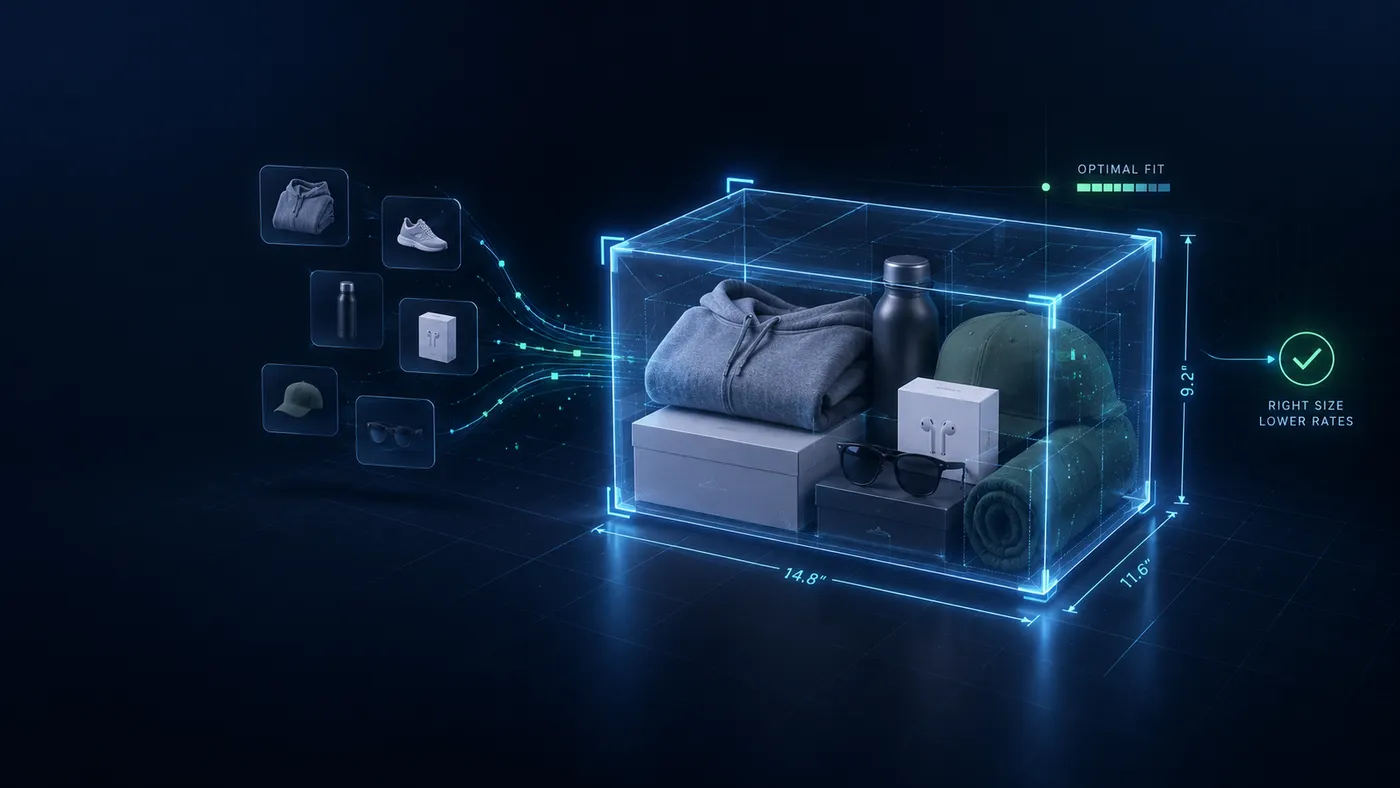
Shopify's carrier-calculated rates never decide which box the order ships in, so dimensional weight is a guess and the quote misses. PackOS Checkout runs a real 3D bin-packing engine across your own box library, picks the box the order will actually ship in, and quotes live USPS, UPS and FedEx rates for that box. Shopify today — WooCommerce and other platforms coming soon.
14-day free trial on every plan · full access · cancel any time
- Checkout platforms
- Shopify today · WooCommerce and other platforms coming soon
- Setup time
- Minutes, no code
- Developer required
- No
The problem
Your checkout shipping is almost certainly wrong
Three things silently bleed margin on every merchant's checkout. Checkout fixes all three.
| Flat-rate shipping silently loses moneyA $7 flat rate covers a 1 lb order — and loses you $4 on a 5 lb one. Across a year of orders, the losses quietly eat entire percentage points of margin. |
|---|
| Overcharging silently loses customersShipping sticker shock is the #1 cause of cart abandonment. Customers abandon at checkout without you ever seeing why — the order simply never happens. |
| Carrier-calculated rates still get it wrongShopify's native carrier rates use the wrong box because nothing is choosing the box for each order. Dimensional weight pricing turns a 2 lb order into a 23 lb charge. |
Real bin-packing across your box library
Every order at checkout runs through a 3D bin-packing algorithm that tests your box sizes and picks the optimal one — so the rate quote matches the box you'll actually use.
What's inside Checkout
A real engine — not a rate estimator
Most "shipping apps" are thin wrappers around carrier APIs. Checkout is the bin-packing layer your checkout was missing.
| Live multi-carrier rate lookupQueries USPS, UPS, and FedEx simultaneously with the selected box dimensions and order weight. Returns live rates in real time — not estimates, not averages. |
|---|
| Split shipment logicIf an order is too large for any single box, PackOS Checkout splits it across multiple packages and quotes the total accurately. No under-quoting on big orders. |
| Native Shopify integrationRegisters as a Shopify carrier service and works at checkout immediately after install — no manual configuration required. WooCommerce and other platforms coming soon. |
Rules and analytics
| Margin analytics built inEvery quoted rate is logged. When the label is bought, the actual cost is compared to the quote. Your shipping margin — the number most merchants never track — is visible per order and per month. |
|---|
| No-code configurationBox library, carrier accounts, and handling fees are all managed in the PackOS dashboard. No developer required. No theme code to touch. Changes go live in seconds. |
How Checkout works
Four steps from install to accurate rates
- 01
Install and authorize
Add PackOS Checkout from the Shopify App Store. Authorize read access to your product catalog and write access to checkout rates. Two minutes.
- 02
Add your box library
Enter the boxes you actually ship in. Dimensions, weights, and any special rules. Most merchants have 4–12 boxes and take under 15 minutes. PackOS Checkout auto-detects common shipping supplies.
- 03
Rates go live at checkout
From the moment install completes, customers see real carrier rates based on their order's optimal box — calculated live, per order. No estimates. No surprises.
- 04
Watch your margin recover
Track the delta between quoted rates and actual label costs in your dashboard, order by order, from the first day.
Who it's for
PackOS Checkout is built for you if…
- You're a Shopify merchant shipping physical goods
- You ship orders with varied item sizes, weights, or box choices
- You suspect your flat-rate or weight-based shipping is losing you money
- You want accurate live carrier rates at checkout — not estimates
- You want the first platform to show you what shipping actually costs you
The margin loop
Close the gap between quote and label with PackOS Labels
Checkout quotes the rate. Labels buys the label — at that rate. When you use both, there's no silent margin leak between the price your customer saw and what actually hits your wallet. Every order ships at a tracked margin.
One order · Two numbers · One difference
Quoted at checkout
What the customer paid you to ship it
PackOS Checkout
Paid for the label
What the carrier charged you to move it
PackOS Labels
Margin
The difference, recorded on every order
Both products, on the same record
Run either product on its own. Run both and the same order carries both numbers.
Common questions about Checkout
How does PackOS Checkout know which box to quote?
Does PackOS Checkout work with carrier-calculated rates I already have?
What if I don't have my product dimensions entered?
How is this different from dimensional weight estimation?
Do I need PackOS Labels to use PackOS Checkout?
Protect your margin at checkout
Add PackOS Checkout to your Shopify store and see accurate rates on your next order.
- 14-day free trial on every plan
- Cancel any time